
Genesis Key Replacement in Austin, TX
- 24/7 Available
- Licensed & Insured
- Fast Response
Get A Quote
A Genesis that will not unlock or start can leave you stuck in a driveway, an office garage or a shopping center lot. Austin Snap Keys provides Genesis key replacement in Austin, TX for supported G70, G80, G90, GV60, GV70 and GV80 model years, as well as the earlier Hyundai Genesis sedan and Genesis Coupe. We cut emergency key blades and program smart keys and remote keys so the car starts and the lock and unlock buttons work again.
Most Genesis models start with a push button and a smart key that stays in your pocket, and some newer models can also use a phone or a key card. Tell us the model, the year and how your Genesis starts, and we can identify the right key before quoting. Support varies by model year and trim, so please call to confirm your year and model.
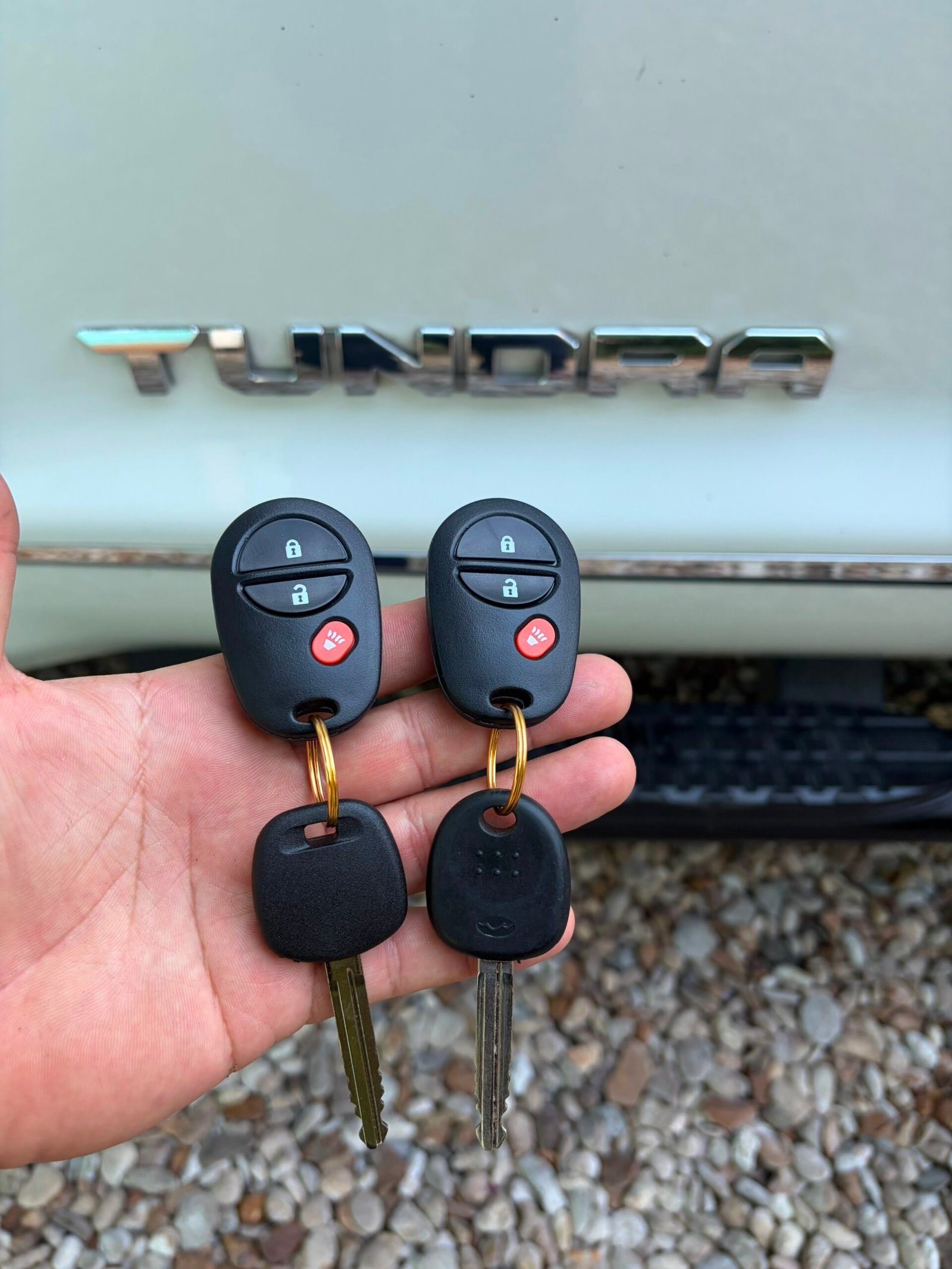
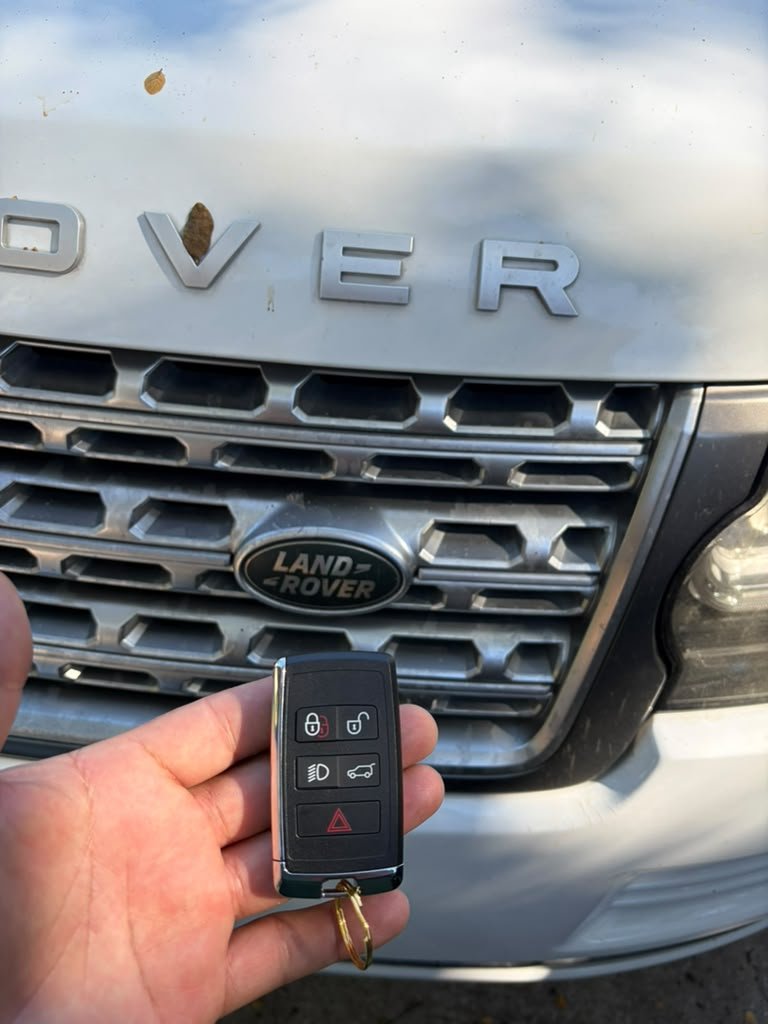
Lost Every Key to Your Genesis?
With no working smart key, a Genesis will not start, and many owners expect a tow to the dealer. For many supported model years, a new smart key can be made and programmed where the car is parked, even when every key is gone.
When all keys are lost, the car has to be set up to accept a new key, and the emergency blade is cut to fit your door lock. Keys that are not present during programming usually stop working with the car, which helps if a key was lost or stolen. Proof of ownership is required before any key is made. Read our guide on losing all your smart keys or see our lost car keys service.
Genesis Key Replacement by Key Type
The right key depends on your Genesis model, year and trim. A smart key for a G80 sedan, a smart key with extra parking buttons for a GV80, and a phone or card key on a newer model are not the same job. Not sure which one you have? Describe it or send a photo of the key when you call.
Hyundai Genesis Sedan and Genesis Coupe Keys
Before Genesis became its own brand, Hyundai sold the Genesis sedan and the Genesis Coupe. Depending on the year and trim, these cars use either a push-button smart key or a key with a transponder chip and remote buttons. Because they were sold as Hyundai models, the key, the part number and the programming steps follow Hyundai systems, so tell us the exact badge and year on your car. See our Hyundai locksmith page and our guide to transponder key replacement.
Genesis Smart Keys for Push-Button Start
The G70, G80, G90, GV70 and GV80 use a smart key on most model years. The car senses the key when it is close, so you can unlock the doors and press the ENGINE START/STOP button without taking it out of your pocket. Each smart key has a mechanical emergency key inside, and some trims add buttons such as remote start or Remote Smart Parking Assist. A new smart key has to match your car and be registered to it, so we confirm the correct key before programming. See our smart key and push-to-start service for how these keys work.
Dead Smart Key Battery and Hidden Door Key Cylinders
When a Genesis smart key battery gets weak, the car may show a key not detected message or the doors may stop unlocking from the handle. Slide out the mechanical key to open the driver’s door; on some models the key cylinder sits under a small cap on the door handle, so check the owner’s manual before prying anything. On many models the car can still be started by holding the smart key against the ENGINE START/STOP button, as the owner’s manual describes. If the message keeps coming back after a fresh battery, the key itself may be the problem. Our guide to smart key battery replacement covers the first checks.
Genesis Digital Key, Key Cards and Face Connect
Some newer Genesis models, such as many GV60, GV70, GV80 and G90 model years, offer a Digital Key that lets a phone or an NFC key card unlock and start the car, and the GV60 offers Face Connect on some trims. These features are useful, but they are set up through the car and the Genesis app, and they do not replace a physical smart key. Keeping at least one working smart key is a good idea in case the phone battery dies or the app has a problem. Need an extra remote? See key fob replacement, or compare with our Lexus locksmith and Infiniti key replacement pages.
Genesis Key Problems Drivers Call About
Not every Genesis key problem means a new key. These are some of the issues we hear about most often:
- Key not detected or the car will not start: often a weak smart key battery or a key that lost its registration. Start with our guide to key not detected fixes.
- Doors will not unlock from the handle: the key battery may be weak, or the key may not be talking to the car; the emergency key still opens the driver’s door.
- Only one smart key left: many used Genesis cars are sold with a single key, and if it is lost the car cannot be driven.
- Phone key stopped working: the physical smart key should still work; a phone or card key problem is usually handled through the car or the Genesis app.
- Smart key case cracked or buttons worn: sometimes the case can be replaced, sometimes a new key is the better fix.
- Older Hyundai Genesis key will not turn or start: the car may not be reading the key’s chip, or the blade or ignition may be worn.
- Key bought online will not program: the wrong part number or a key already registered to another car; check with us before buying.
Genesis Not Starting With Your Key?
Mobile Genesis Key Service in Austin
A Genesis with no working key may be parked at home, in a downtown garage, at work or at a restaurant. Depending on your car and the service needed, Austin Snap Keys can come to your location in the Austin area to make and program a Genesis key on site, so you do not have to arrange a tow.
Availability depends on your location and the current schedule, so please confirm when you call. Learn more about our mobile locksmith service or mobile car key makers in Austin.
How We Replace a Genesis Key
Each car is a little different, but most Genesis key jobs follow these steps.
1. Give Us the Model and Year
Share the model (for example G70, G80, G90, GV60, GV70 or GV80), the model year, the trim if you know it, and whether it is badged Genesis or Hyundai Genesis. Let us know if it starts with a push button or a turn key.
2. Let Us Know If a Key Still Works
A spare made while a smart key still works is usually the simpler job. With no working key, the car is set up for a new key from the start.
3. Show Proof of Ownership
We confirm that you own the car or are authorized to have keys made before any key is cut or programmed.
4. Cut and Program
The emergency key blade is cut to your door lock, then the smart key or remote key is registered to your Genesis with the right equipment. Read about car key programming.
5. Test Start and Remote Functions
The new key is tested to start the car, and lock, unlock, trunk or liftgate and other equipped buttons are checked. Ask what the quote includes before work starts; our guide to key fob replacement cost in Austin explains what affects the price.
Spare Genesis Keys and Related Services
Pre-owned Genesis sedans and SUVs are often sold with only one smart key, and households that share a GV70 or GV80 usually want a key for each driver. Adding a spare while a key still works is usually quicker than replacing every key after the last one is gone.
Along with Genesis key replacement, Austin Snap Keys can help with:
- Spare key duplication for supported vehicles
- Car lockouts when the keys are locked inside
- Car door lock repair
- Car ignition repair on older turn-key models
Drive another make? See our Acura key replacement and Kia locksmith pages, or browse all car brands we service.
Genesis Key Help in Austin and Nearby Areas
Austin Snap Keys helps Genesis owners in Austin, Texas who need a new key, remote or smart key, at home, at work or wherever the car is parked. Contact us to discuss your location and service availability.
Our surrounding service areas include:
Mobile coverage and arrival times vary by location and current availability. Please confirm service for your address when you call.
Why Genesis Owners Call Austin Snap Keys
When your car will not start, you want to know what it will take to get it running.
- Model and year matching: we confirm the key your Genesis uses before quoting.
- Genesis key experience: we work with smart keys and the earlier Hyundai Genesis keys on supported vehicles.
- Mobile service options: ask about help at your home, workplace or parking lot.
- Quote before work: request a quote for your car before you authorize service.
- Security first: proof of ownership is required before keys are made.
Call Austin Snap Keys for Genesis Key Replacement
Lost the only key to your Genesis, need a spare smart key, or have a key that stopped working? Austin Snap Keys can help you get the right key in Austin, TX.
Call (512) 897-2872 to request a quote. Tell us the model, model year, trim, key type, how many working keys you have, and where the car is parked.
Get A Quote
Genesis Key Replacement FAQs
Can you replace a Genesis key if all keys are lost?
For many supported model years, yes. A new smart key can be made and registered even when no working key remains. The process depends on the model, year and key type, and proof of ownership is required.
Can I use a used Genesis smart key from another car?
Usually not. Each smart key has to be registered to your car, and a key already registered to another Genesis usually cannot simply be reused. Call with your details before buying a used key.
How do I start my Genesis if the smart key battery is dead?
Slide the mechanical key out of the smart key to open the driver’s door. On many models you can then start the car by holding the smart key against the ENGINE START/STOP button; your owner’s manual shows the exact steps for your model. If it still will not start, call us.
How much does Genesis key replacement cost in Austin?
The price depends on the model, year, key type, programming needs and whether all keys are lost. Call Austin Snap Keys at (512) 897-2872 with your car details for a quote.
Does a Genesis Digital Key replace my smart key?
No. A phone key or NFC key card is set up through the car and the Genesis app, while a smart key is a physical key registered to the car. We help with physical smart keys; it is a good idea to keep at least one working smart key even if you use a phone key.
Can I buy a Genesis key fob online and have it programmed?
Sometimes. Smart keys sold online can have the wrong part number or frequency, and a used key may already be registered to another car. Send us the part details before you buy so you do not pay for a key that will not program.
Do you offer mobile Genesis key replacement?
Austin Snap Keys offers mobile automotive locksmith service in Austin and nearby areas, including homes, workplaces and parking lots. Call to confirm availability for your car and location.
How long does Genesis key replacement take?
It depends on the key type, whether a working key is available and the programming your car needs. Ask for an estimated timeframe when you request your quote.
Should I get a spare key for my Genesis?
Yes, especially if the car came with one smart key or several drivers use it. A spare made while a key still works is usually simpler than replacing every key later. See our key duplication service.