
You press the start button, and instead of the engine turning over, the dashboard shows “Key Not Detected” or “No Key Detected.” The key is right there in your pocket, but the car acts like it is not. This is one of the most common smart key problems Austin drivers run into, and in many cases it can be fixed quickly.
What Does “Key Not Detected” Mean?
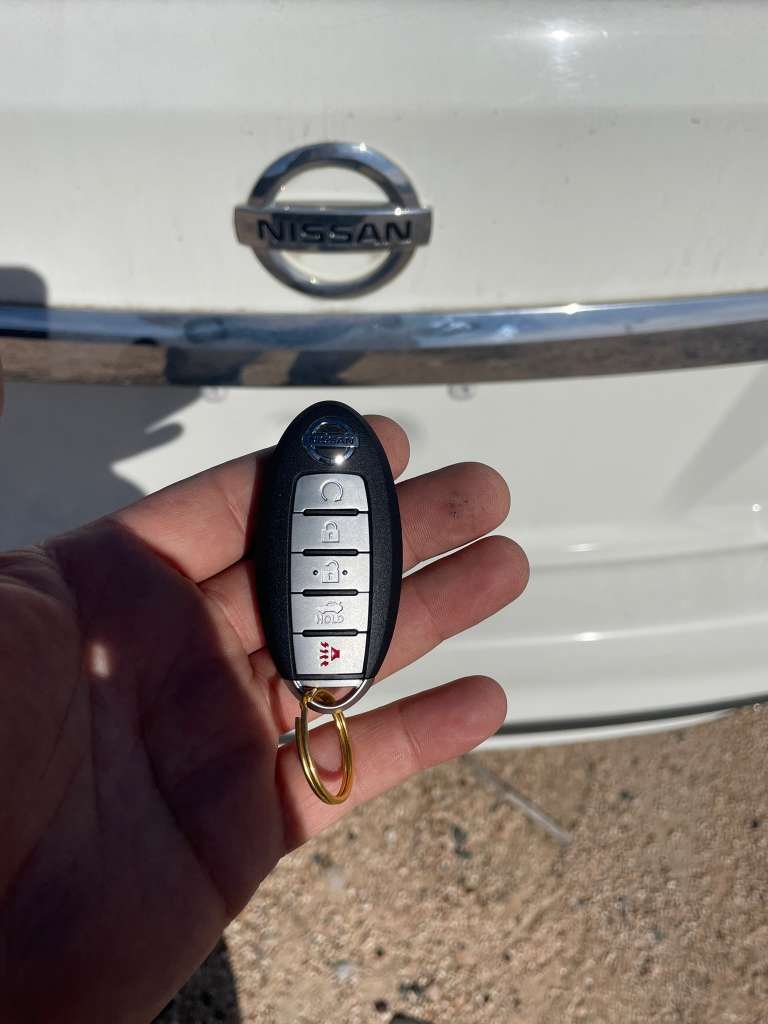
A push-to-start car uses a proximity key, also called a smart key. The car sends a low-power signal, and the key answers it. When the car cannot read that answer, it will not allow the engine to start and shows a “key not detected” message.
Common Causes
- Weak or dead key battery. This is the most frequent cause, especially if the key has not been changed in a couple of years.
- Signal interference. Phones, other keys, magnets, or electronics next to the key can block the signal.
- Damaged key. A drop, water exposure, or worn internal parts can stop the key from transmitting.
- Lost programming. A key may need to be reprogrammed to the vehicle.
- Weak car battery. Low vehicle voltage can cause the car to misread or ignore the key.
- A fault in the car’s antenna or start system.
Quick Fixes to Try First
- Hold the key against the start button. Many vehicles have a backup spot where the car can read the key even if its battery is weak. Check your owner’s manual for the exact location.
- Replace the key battery. Most smart keys use a small coin battery. Swap it for a fresh one.
- Move other items away. Take the key away from your phone, other keys, and metal objects.
- Try your spare key. If the spare works, the first key probably has a battery or key problem.
- Check the car battery. If the dashboard is dim or other warning lights appear, the car battery may be weak.
- Use the emergency key. Most smart keys hide a mechanical key that can open the door when the fob will not.
When to Call a Locksmith
If these steps do not work, the key may need diagnosis, repair, programming, or replacement. Call a locksmith when:
- A new battery does not solve the problem.
- Both your main key and spare fail.
- The key was dropped, soaked, or physically damaged.
- You have lost your only smart key.
How a Mobile Locksmith Can Help
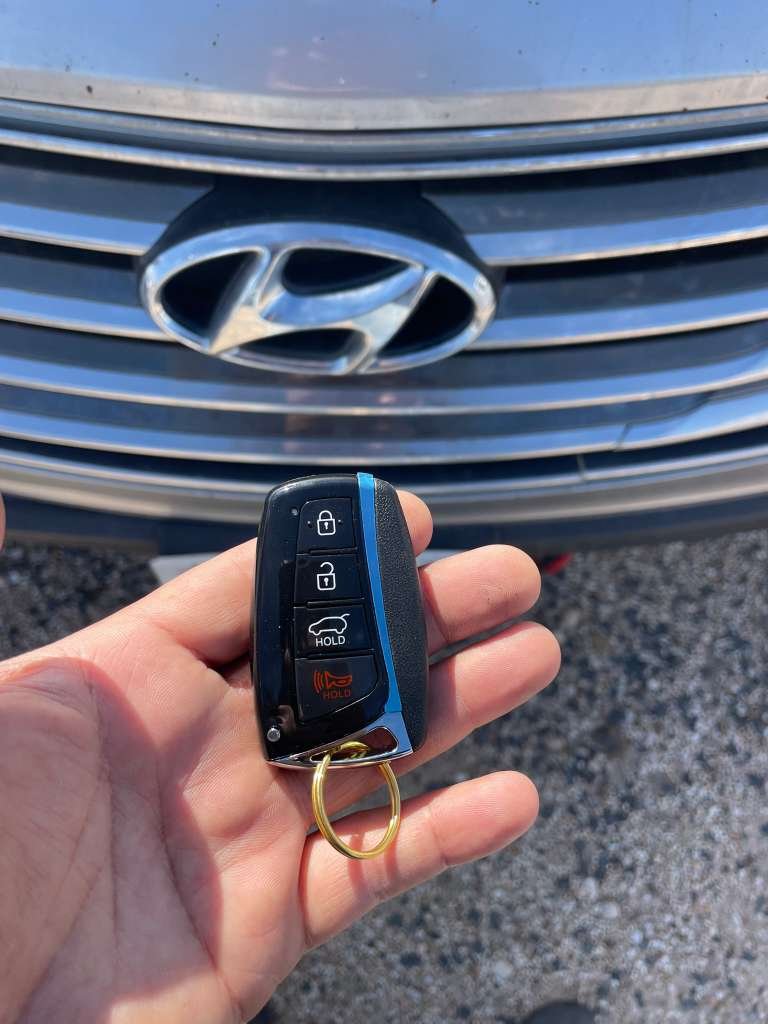
Instead of paying for a tow to the dealership, a mobile automotive locksmith can come to your location. Austin Snap Keys can diagnose the problem, replace the smart key, and program it to your vehicle for supported makes and models. We confirm compatibility first and give you a quote before work begins.
Learn more about our smart key and push-to-start replacement service in Austin, or read about car key programming and mobile locksmith service.
Tips to Avoid the Problem
- Replace the key battery every one to two years.
- Keep a working spare key in a safe place.
- Avoid dropping the key or exposing it to water.
- Get a spare made before you lose your last key.
Frequently Asked Questions
Why does my car say “Key Not Detected” when the key is inside?
The most common reasons are a weak key battery, signal interference, or a damaged key.
Can I still start the car if the key battery is dead?
Often yes. Hold the key against the start button or the marked spot in the car, then press the button with your foot on the brake.
Can a locksmith replace a smart key if I lost all of them?
In many cases yes, for supported vehicles, and proof of ownership is required.
Need Help in Austin?
If your push-to-start car will not start and the key is not detected, call Austin Snap Keys at (512) 897-2872. Tell us your vehicle’s year, make, model, and location, and we will explain the next steps.